
Advanced
Settings & Notifications
Manage your channel profile, payout details, and email notification preferences.
URL: /dymora/settings · Navigation: Profile avatar → Settings
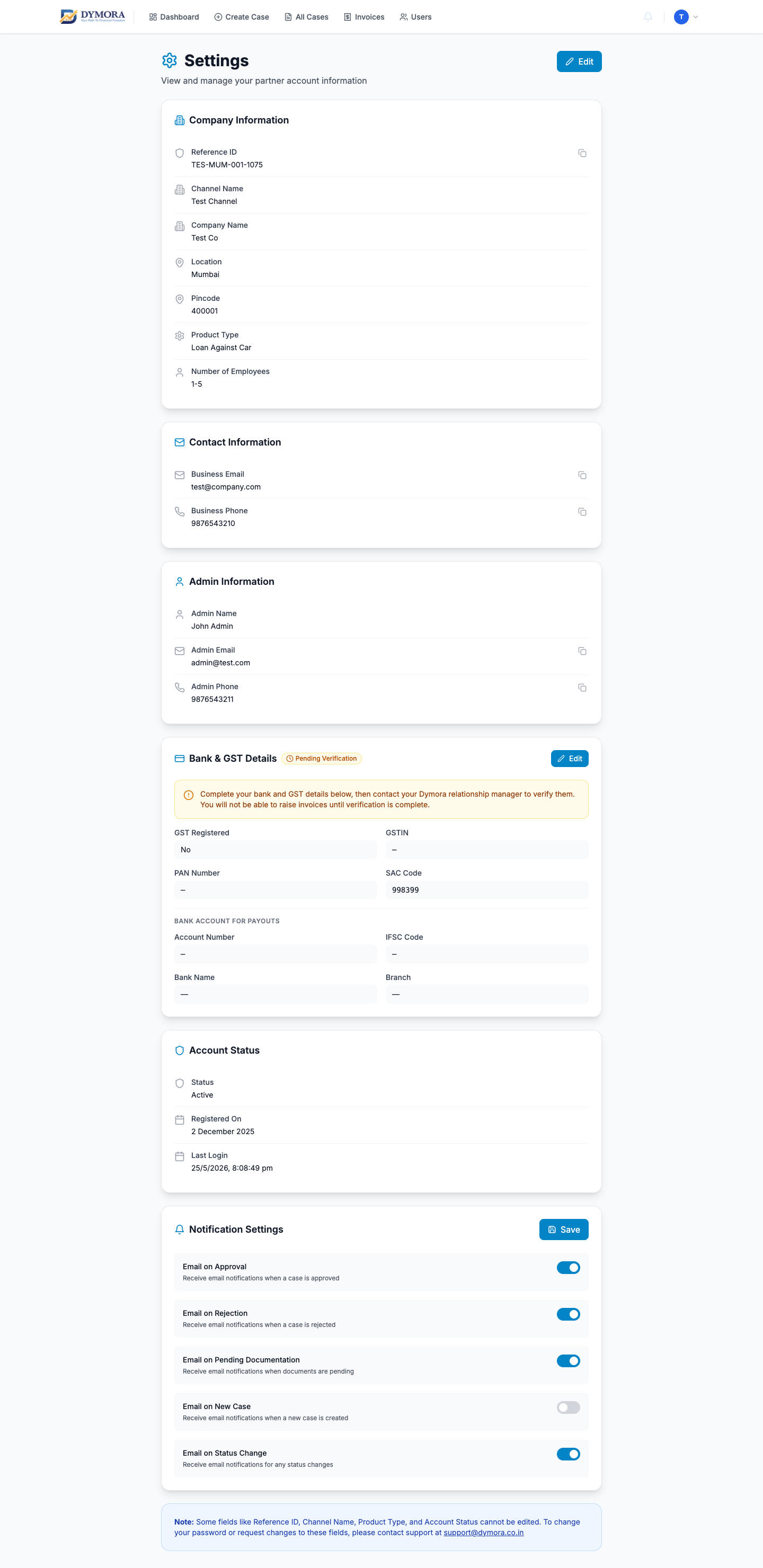
Settings page
Company profile
View and (where allowed) edit your channel details:
- Reference ID (read-only)
- Channel name, company name
- Location, pincode
- Business email, phone
- Product type, team size
- Admin contact name, email, phone
- Account status, created date
- Last login
Update contact details
- 1Open Settings.
- 2Click Edit on the profile section.
- 3Change allowed fields (e.g. phone, location).
- 4Save; wait for success confirmation.
Bank & GST
Required for commission invoice payouts:
| Field | Notes |
|---|---|
| GST registered | Yes / No |
| GSTIN | If registered |
| PAN | Business PAN |
| Bank account number | |
| IFSC | Auto-lookup may fill bank name/branch |
| Bank name, branch |
Add bank details
- 1Open Bank & GST section.
- 2Click Edit.
- 3Enter PAN, account number, IFSC.
- 4Wait for IFSC lookup if offered.
- 5Save.
- 6Dymora may verify details - status shown on page.
Notification preferences
Control which email alerts you receive - case status changes, invoice updates, and system notifications. Preferences are per-user; each team member can configure their own settings.