
Advanced
Lending Policies
Policies define your lending rules - CIBIL range, LTV, income, tenure, employment types. Use them to check whether a case fits your criteria before bank submission.
Admin and Manager only when in-house is enabled. Navigation: Header → Policies
URL: /dymora/policies
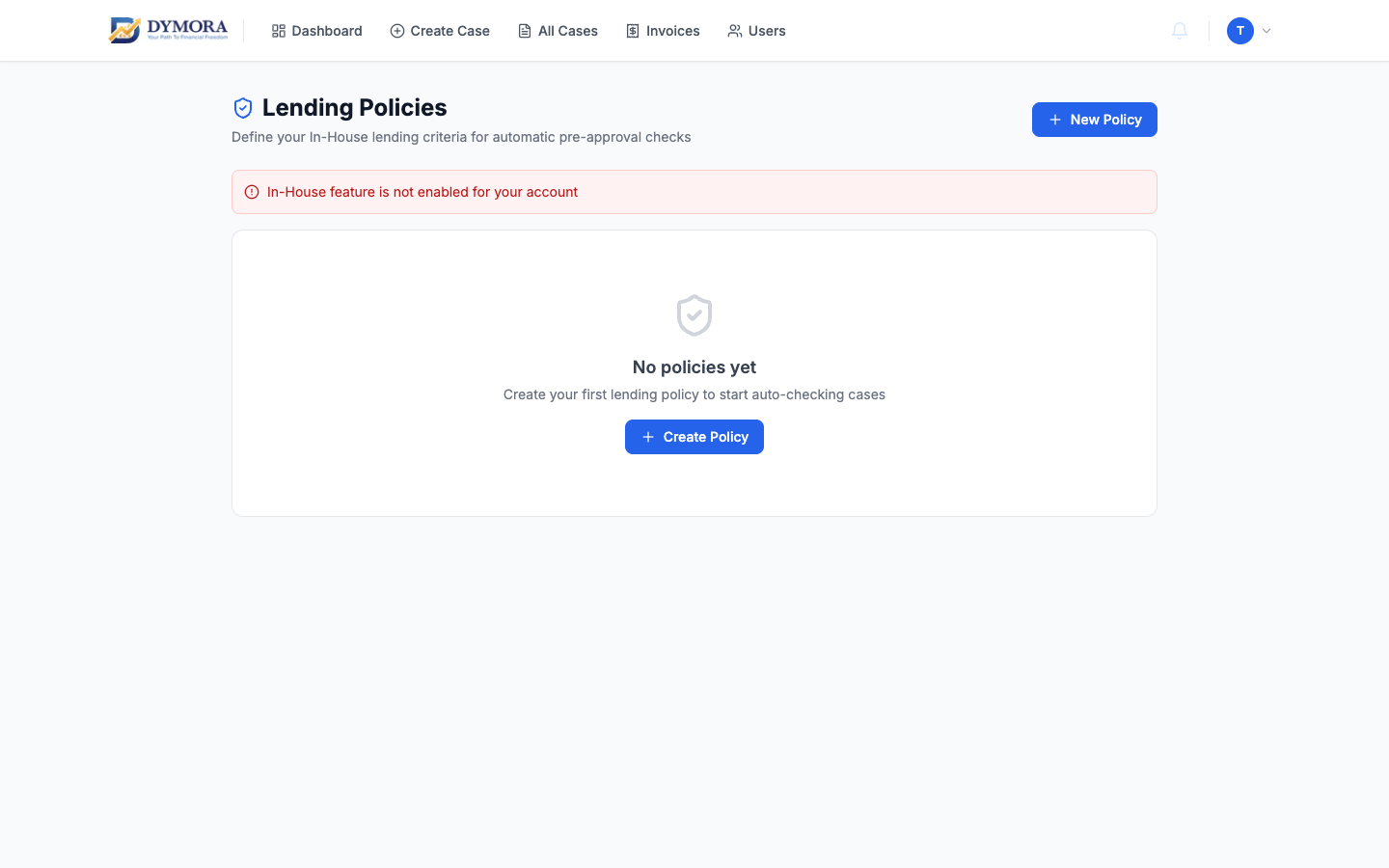
Lending policies list
Policy fields
| Field | Example |
|---|---|
| Policy name | "Used car - salaried 700+" |
| Loan types | Purchase, Refinance, etc. |
| CIBIL min / max | 650-900 |
| Income min | ₹15,000/month |
| Loan amount min / max | ₹50,000-₹50,00,000 |
| Max LTV % | 85% |
| Interest rate band | 8%-24% |
| Tenure min / max (months) | 12-84 |
| Employment types | Salaried, Self-employed, Business |
| Age min / max | 21-65 |
| Active flag | On / off |
Step-by-step: Create a policy
- 1Go to Policies.
- 2Click Add policy / New.
- 3Fill name, description, and criteria.
- 4Select applicable loan types and employment types.
- 5Set numeric thresholds.
- 6Set Active = on.
- 7Save.
Edit or deactivate a policy
- 1Expand or click the policy row.
- 2Click Edit, change fields, save.
- 3To retire a policy, set Active = off instead of deleting (preserves history).
Step-by-step: Check a case against policies
On an in-house case detail page (when integrated):
- 1Open the case.
- 2Use Check policy / policy matcher (if shown).
- 3Review pass/fail against each active policy.
- 4Use result to decide whether to allocate to bank.