
Core Features
All Cases
View and search every loan case your organisation can access. Executives typically see only cases they created; other roles see the full org list.
URL: /dymora/cases · Navigation: Header → All Cases
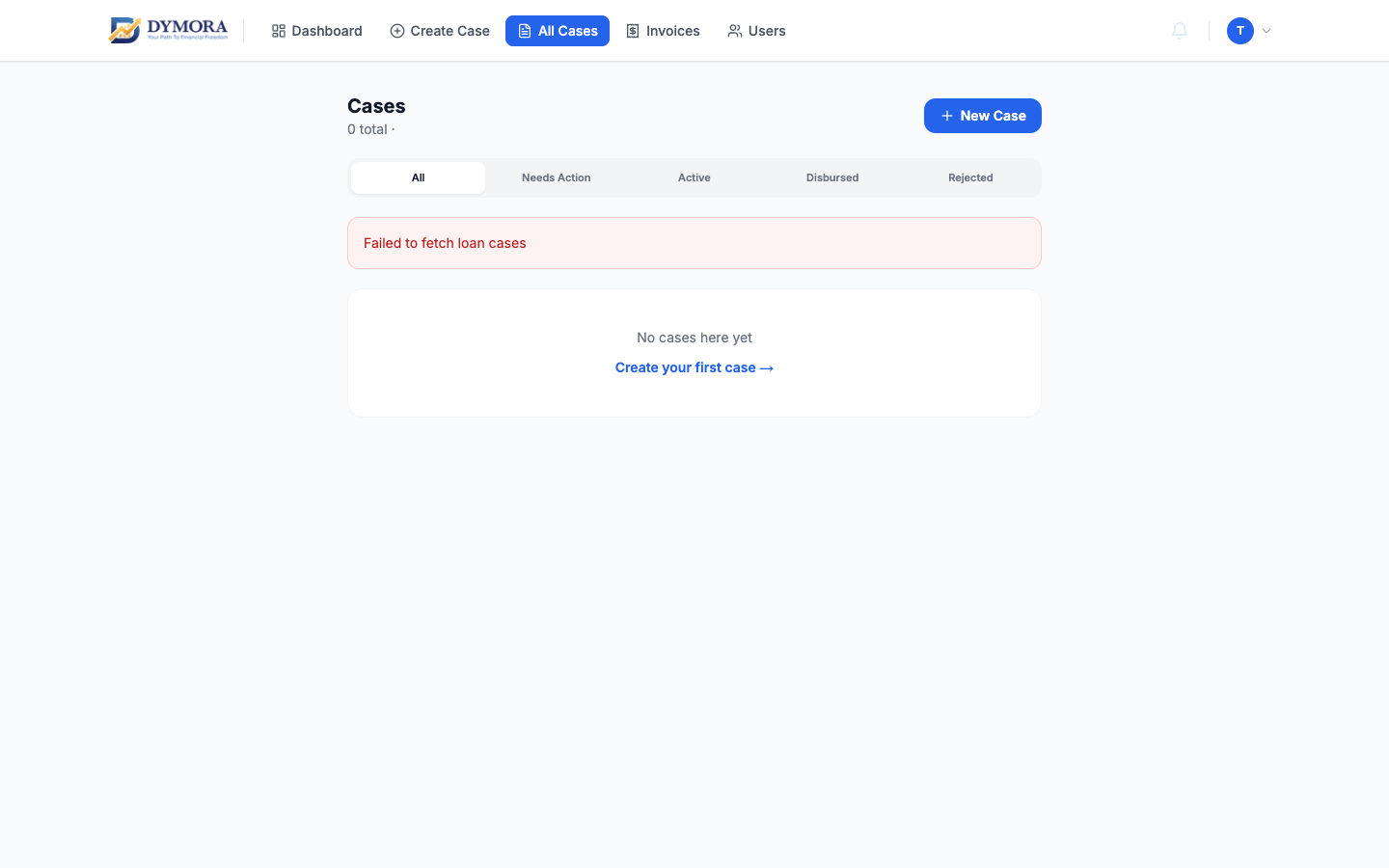
All Cases - list with filters and search
List columns
Case IDClick to open case detail
Applicant nameFull name of the loan applicant
Loan amountRequested loan amount in ₹
StatusColour-coded current status
Case typeOpen market or In-house badge
Created dateWhen the case was submitted
Filters & search
Use the controls at the top of the list to narrow results:
- Search by name, case ID, or phone number
- Filter by status (Registered, In Review, Approved, etc.)
- Filter by case type where shown
Step-by-step: Find a case
- 1Go to All Cases from the header.
- 2Enter search text or pick a status filter.
- 3Click the case row or Case ID link.
- 4The Case detail page opens.
Status quick reference
Registered / PendingNewly logged
In Review / DocumentationProcessing
Approved / Customer ApprovedSanctioned or customer accepted
Disbursal in progressPayout underway
DisbursedComplete
RejectedClosed - declined
RelookMore information needed